Let's.
Group plans,
without the chaos.
Decide where. Decide when. Everyone votes. No more 47-message threads going nowhere. Free, and no app download required.
Decide where. Decide when. Everyone votes. No more 47-message threads going nowhere. Free, and no app download required.
Why Let's
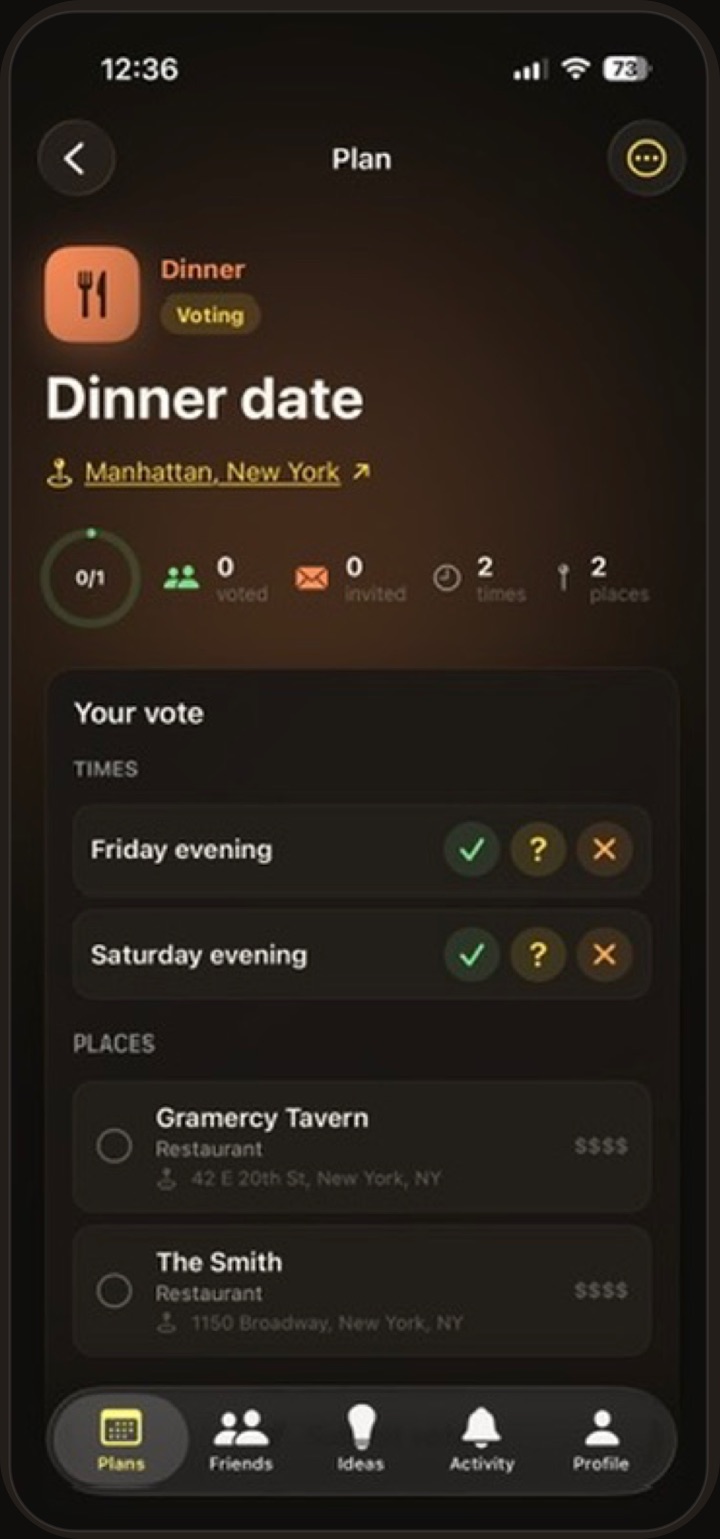
Propose a few options and let the group pick. Yes, maybe, or no: you'll see exactly where everyone stands.
Add venue options and let the group weigh in. No more endless back-and-forth about where to go.
When the votes are in, the organizer locks it in. Everyone gets the final time and place instantly.
Get notified when friends vote, RSVP, or the plan is finalized, plus a reminder on the day of, so nobody forgets.
Add the finalized plan to your calendar in one tap, share a beautiful invite card, or duplicate a past plan to run it back.
Friends, RSVPs, and live vote counts at a glance. Look back at past plans to see everything your group has done together.
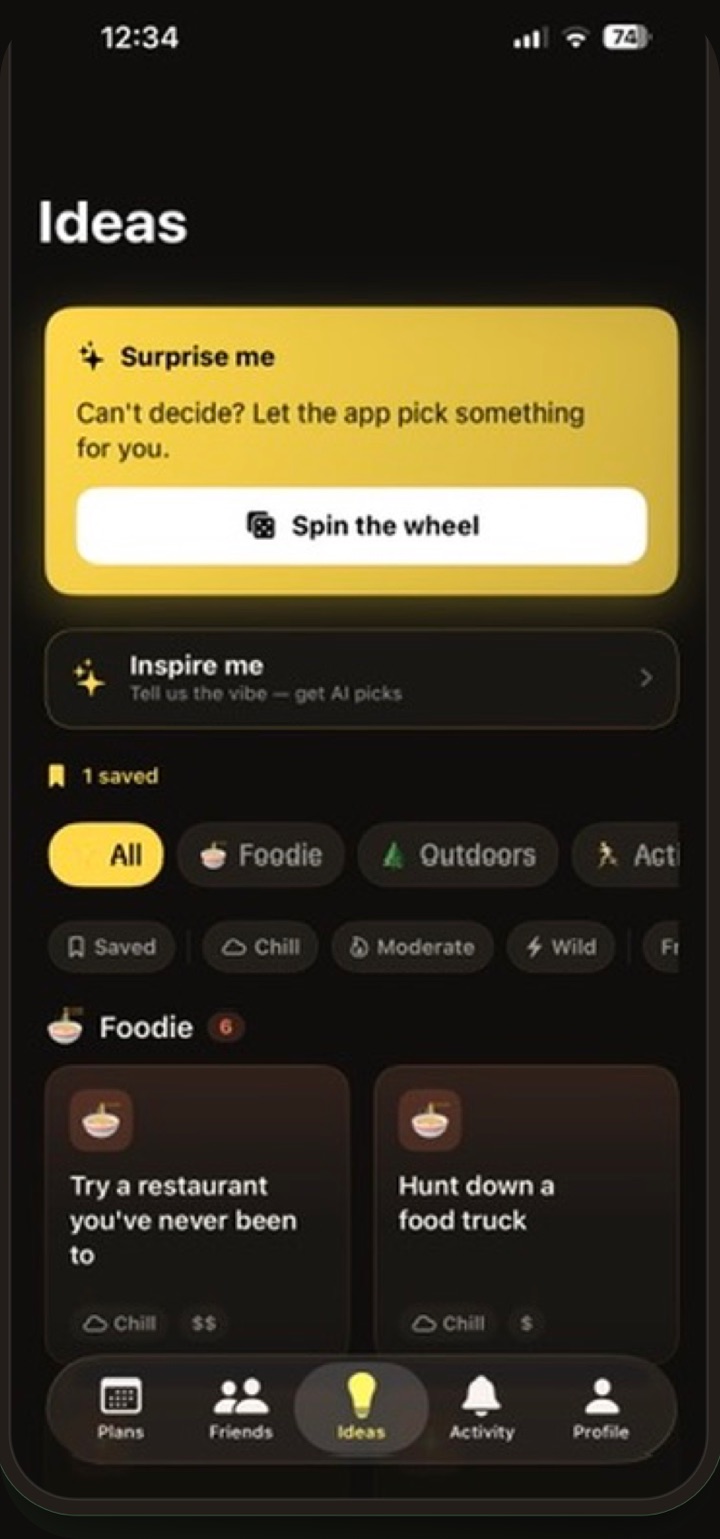
Stuck on "what should we do?" Browse a built-in catalog of ideas, shuffle for something new, or let AI suggest something based on your group's vibe.
Hundreds of ideas across food, outdoors, nightlife, and more. Works offline too.
Tell us the vibe and AI suggests something tailored to your group.
Found a winner? Turn it into a plan instantly and let the group vote on when.
Name it and pick a vibe: dinner, drinks, whatever. Add time and place options next.
Share a link via iMessage or WhatsApp. Your friends vote directly in the app.
Watch votes come in live. The winning time and place bubble to the top automatically.
Finalize the plan with one tap. Everyone sees the confirmed details. No follow-up needed.
FAQ
Yes. Let's is free to download and free to use: creating plans, voting, and inviting friends all cost nothing.
Voting happens in the app, but joining is fast: your friends tap the invite link you share via iMessage or WhatsApp, grab the app, and they're voting in under a minute.
Anything: dinner, drinks, hikes, game nights, trips. Pick a plan type, add a few time and place options, and let the group decide. Out of ideas? The Ideas tab has hundreds, plus AI suggestions.
Everyone votes yes, maybe, or no on each time and place option. Results update live, the best options rise to the top, and the organizer finalizes when ready.
Your plans are only visible to the people invited to them, and your profile is only visible to friends and people you share plans with. You can block or report anyone, and see the full details in our Privacy Policy.
Let's is iPhone-only for now. Android is on the roadmap. In the meantime, friends on Android can still see the plan details you share.
Free for iPhone. Launching soon on the App Store.